GoFormz bridges the gap between your field processes and the platforms you already run with automatic, accurate data from every job site. Start from your existing forms, deploy your first workflow in weeks, and build without writing a single line of code. GoFormz works offline, integrates with Procore, Autodesk, Smartsheet, and your existing tech stack, and molds to your business rather than the other way around.
It never files on time, loses what it's told, and quietly costs you on every job. Paper doesn't scale, and it doesn't show up when the audit does. Four teams fired the clipboard and swapped it for forms that fill out faster, submit from the field, and never go missing. Here's what changed.


Your crews complete the work every day. The problem is what happens next: paper tickets and PDFs that reach the office late, incomplete, or wrong. Finance can't bill it, ops can't see it, and compliance can't prove it. That gap has a cost, and it shows up on the same three lines every time.
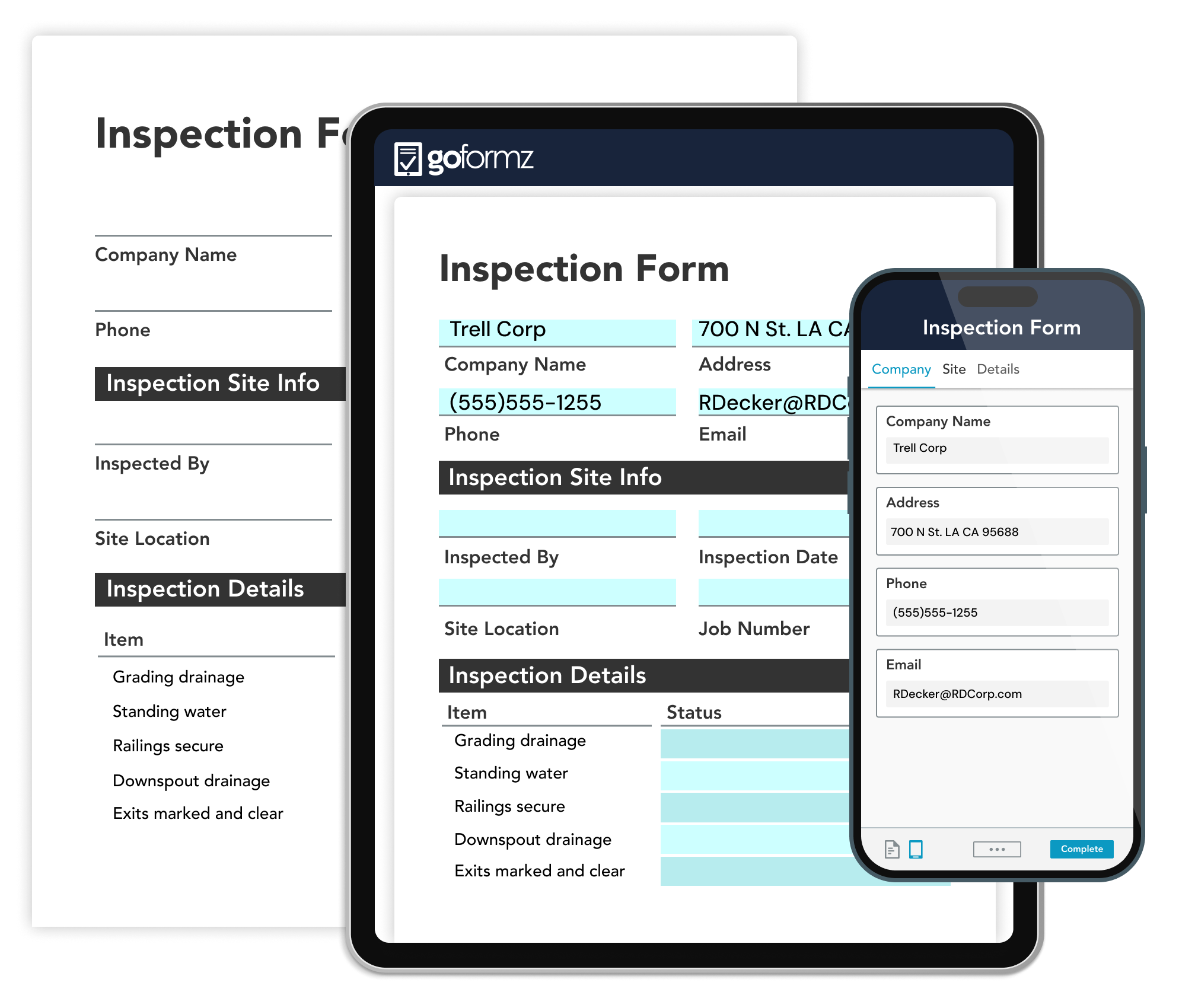
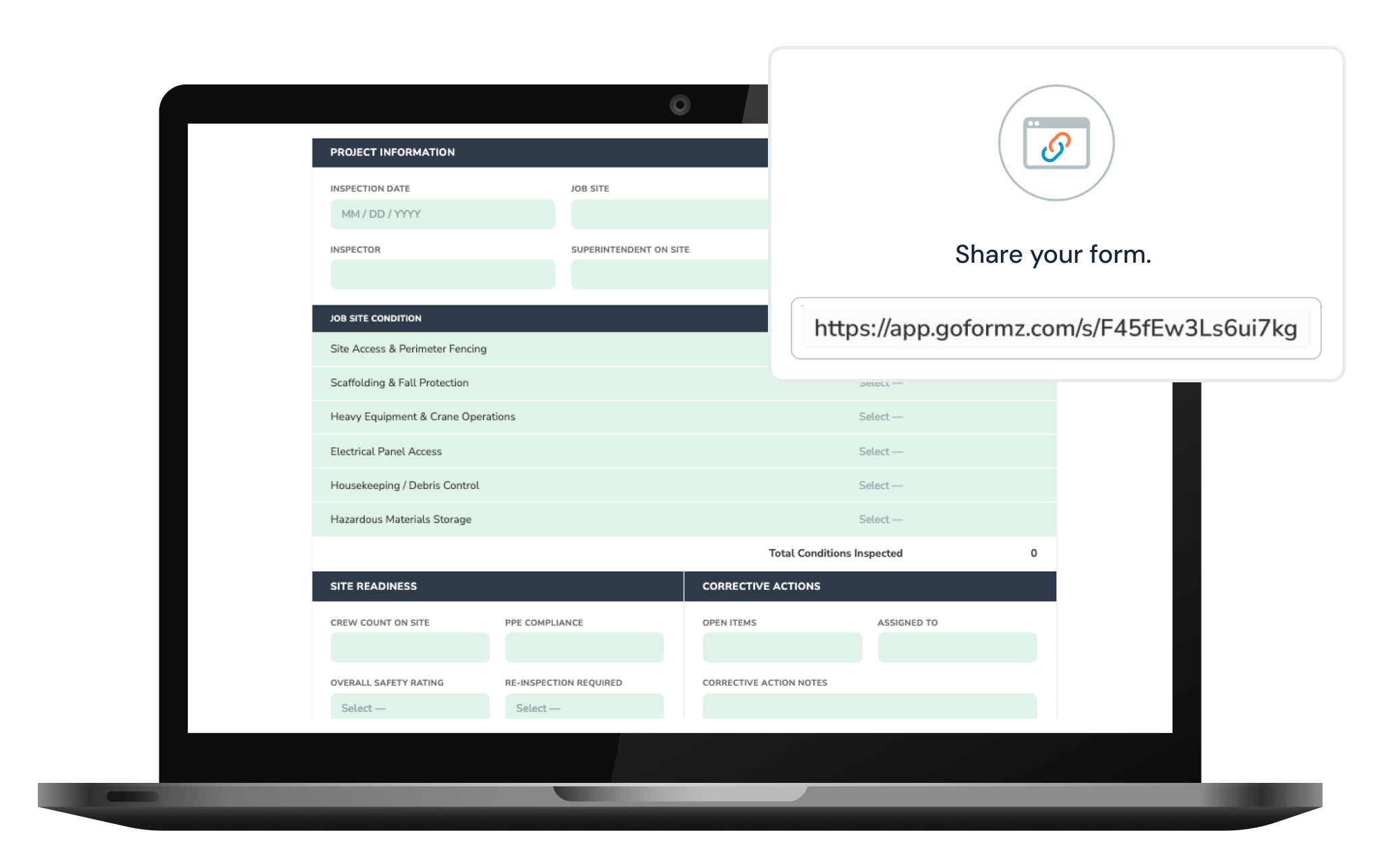
Replace unreadable and lost paperwork with easy-to-use digital forms for construction. GoFormz is the only online form solution that keeps your exact formatting, so your crews fill out the same form they've been using for decades — same layout, same fields, same muscle memory, just on a device. No new software to learn, no adoption battle, no retraining cycle. Employees, subcontractors, and customers can complete the forms they already know from any device, with or without internet connectivity.
Learn how to digitize your paper forms
It's the exact same form they have been using for more than twenty years but easier for them to complete.
Fill out your safety checklists, JSAs, hot work permits, and more from your preferred device. With online and offline access, GoFormz lets your team fill out, review, and submit forms from any job site, on any device. Leverage powerful features, like image-to-text (OCR) field population, audio recordings, and barcode scanning, to accelerate form completion and improve accuracy.
Learn more about capturing data offline
Not everyone who needs to complete a form should need a software license. Whether it's subcontractors, inspectors, vendors, or customers signing off on work, Public Forms bring them into the workflow anyway. Send a link or post a QR code, and they complete the form without downloading an app, creating an account, or consuming a seat. Their submission lands in the same record, triggers the same routing and approvals, and shows up in your systems like every other form.
Learn more about Public FormsFrom JHAs and inspections to LOTO procedures, pre-talks and safety observations — GoFormz enforces the workflow before work begins, and creates a timestamped, defensible record when it's done. Keep your construction teams focused on what they do best while keeping safety top of mind, from any device, with or without an internet connection.
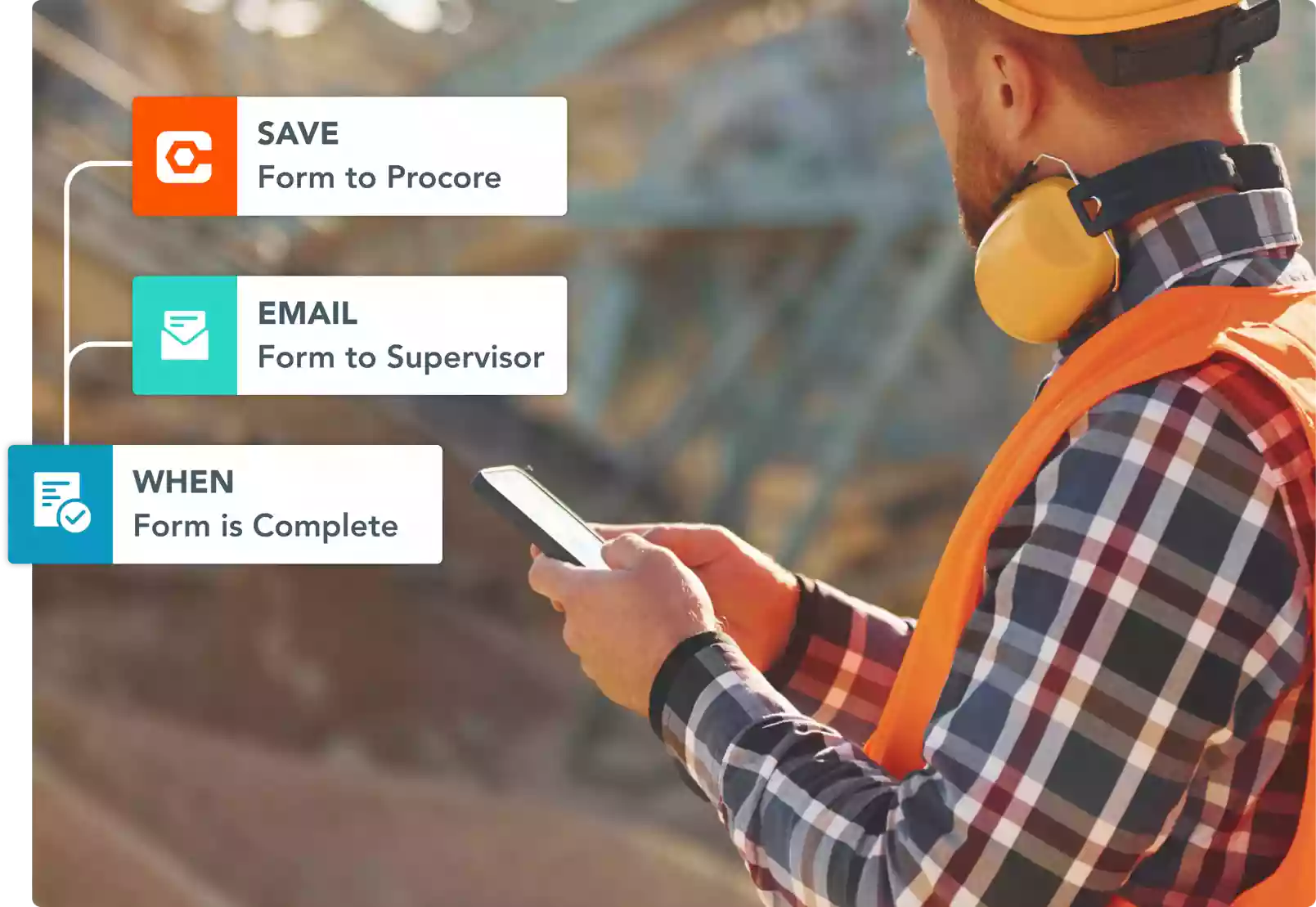
Leading construction platforms integrate natively with GoFormz — including Procore, Autodesk Construction Cloud, Power BI, and Office 365 — allowing you to connect field data to the systems your back office already runs on. Implement logic and automations to send construction documents, gather signatures, and store form copies in your preferred cloud storage system, without re-entry.
Learn more about our integrations
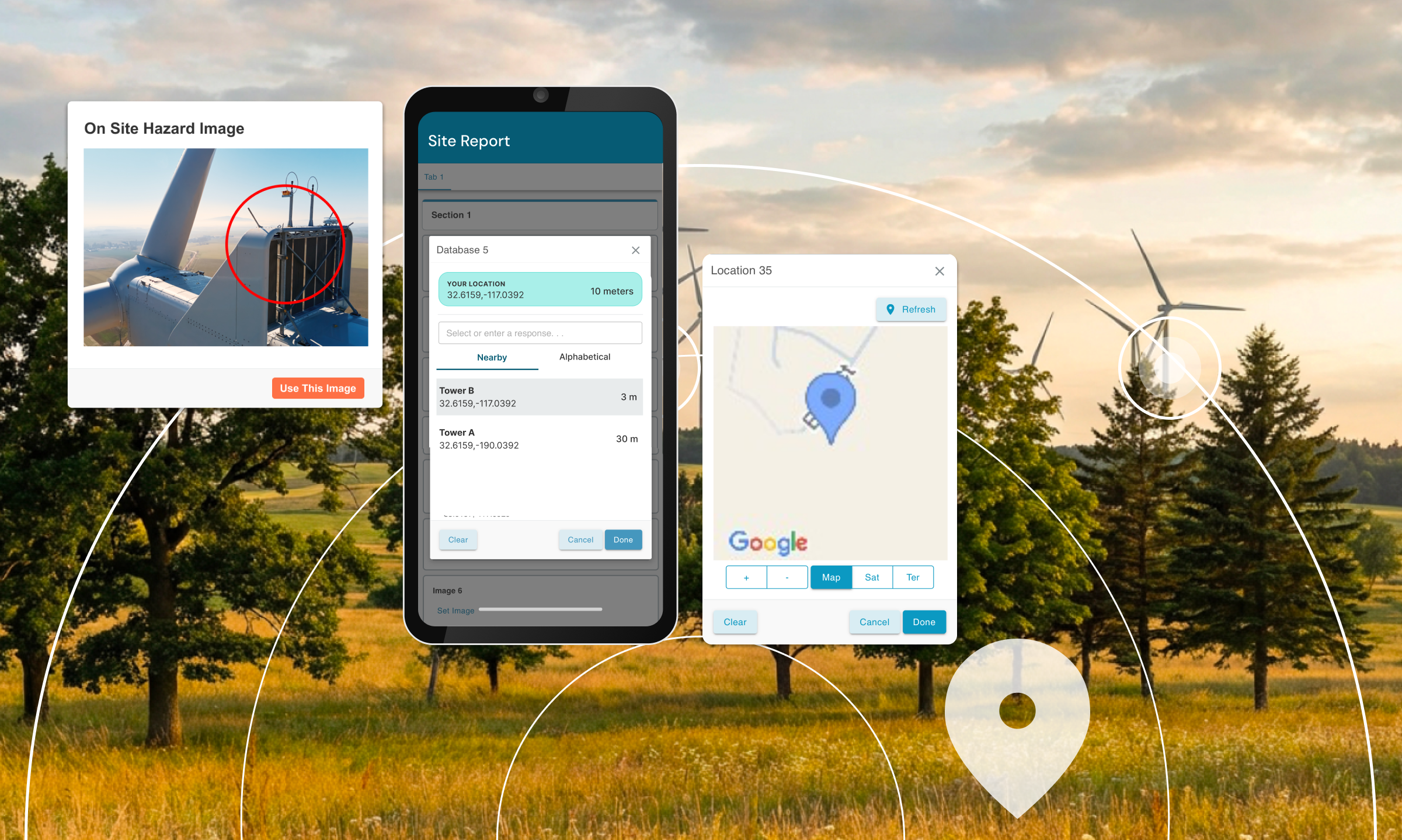
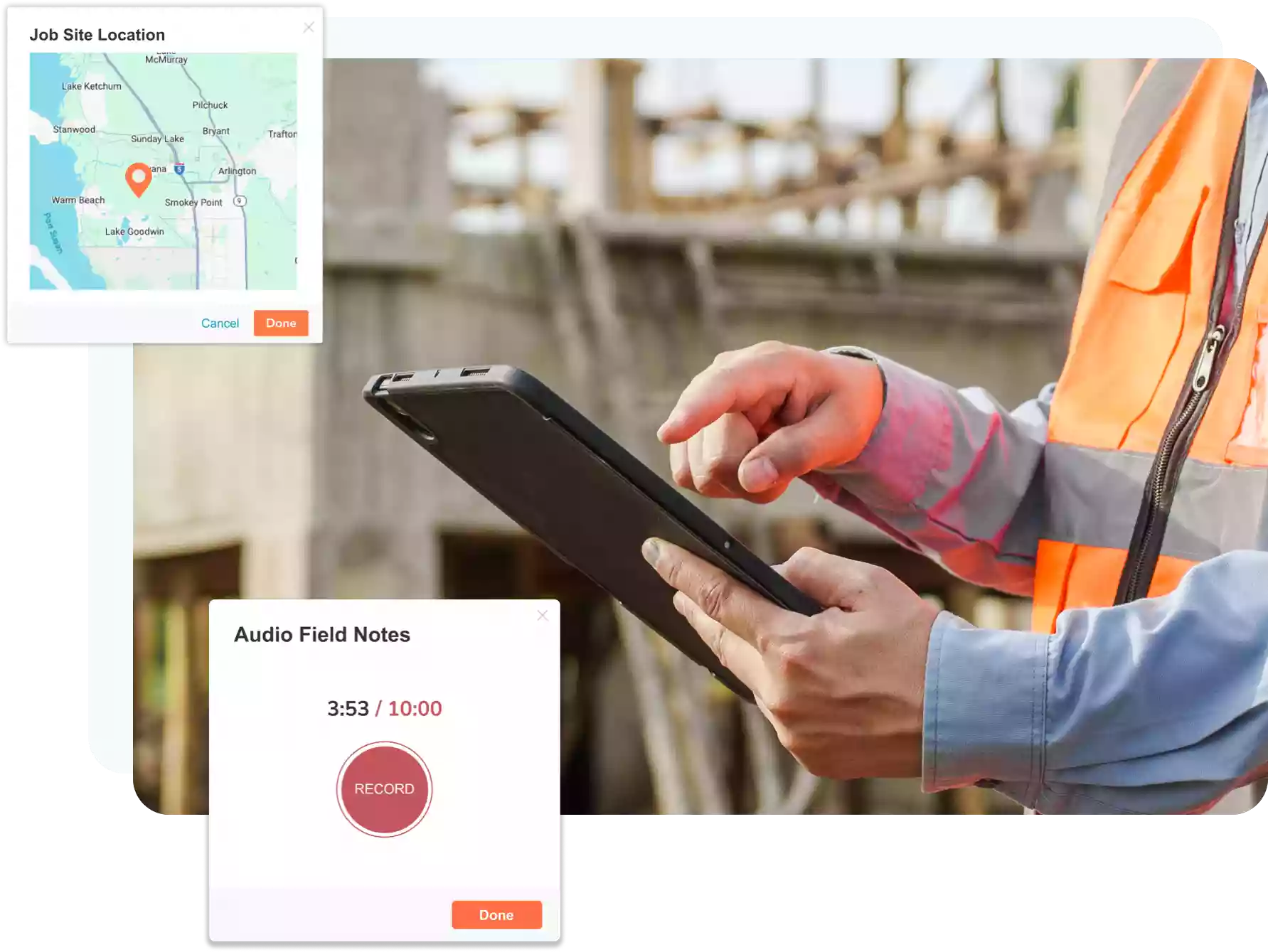
Whether you need a construction invoice template or subcontractor agreement, GoFormz can elevate your day-to-day construction site visibility with versatile data types, such as images, sketches, signatures, GPS, and maps.
Learn more about our productLet us show you how GoFormz can digitize your daily reports, T&M tickets, and safety workflows — without retraining a single crew member.
Because Procore wasn't built to handle every field workflow. Procore and platforms like it are essential infrastructure for managing projects, but their native forms weren't built for the realities of field capture: complex conditional workflows, offline job sites, subcontractors without licenses, and forms crews have used for decades. That's why so much field data still travels by paper, PDF, and email, even on fully "digital" projects.
GoFormz is the capture layer that feeds your stack. Crews complete T&M tickets, daily reports, inspections, and safety forms on any device, and validated data flows into Procore or other systems of record, and your back office automatically, no re-entry, no lag. You keep the systems you've invested in. GoFormz makes the data inside them accurate and current.
Every submission creates a GPS, timestamped record that's locked after completion, with a full audit trail of who entered what, who approved it, when, and where. Templates are version-controlled, so you can show exactly what your form required on any given date. When a regulator or client asks for documentation, you search and produce it in minutes instead of reconstructing it from binders and inboxes.
GoFormz is SOC 2 Type II certified with role-based access controls, built for multi-site, multi-crew operations where the record has to stand on its own.
Most field software fails for one reason: it asks crews to learn a new tool and a new form at the same time. GoFormz removes both problems. Your digital forms keep the exact formatting of your existing paper forms, same layout, same fields, same order, so the JSA or timesheet a foreman fills out on a tablet is the same document he's filled out his whole career. There's no new interface to decode and no retraining cycle to fund.
Yes! This is what Public Forms are for. Licenses are for your team. Everyone else just needs a link. Think subcontractors, inspectors, vendors, delivery drivers, customers signing off on completed work. Send them a link or post a QR code at the gate, and they complete the form from their own phone. No app download, no account, no license consumed. Public Form submissions are just $1 each, typically far cheaper than a full seat for someone who fills out one form a week.
Their submission lands in the same record system as everything else. It triggers the same routing and approvals, carries the same timestamps, and flows into your back office like any other form. Your subs get a thirty-second task; you get a complete record.
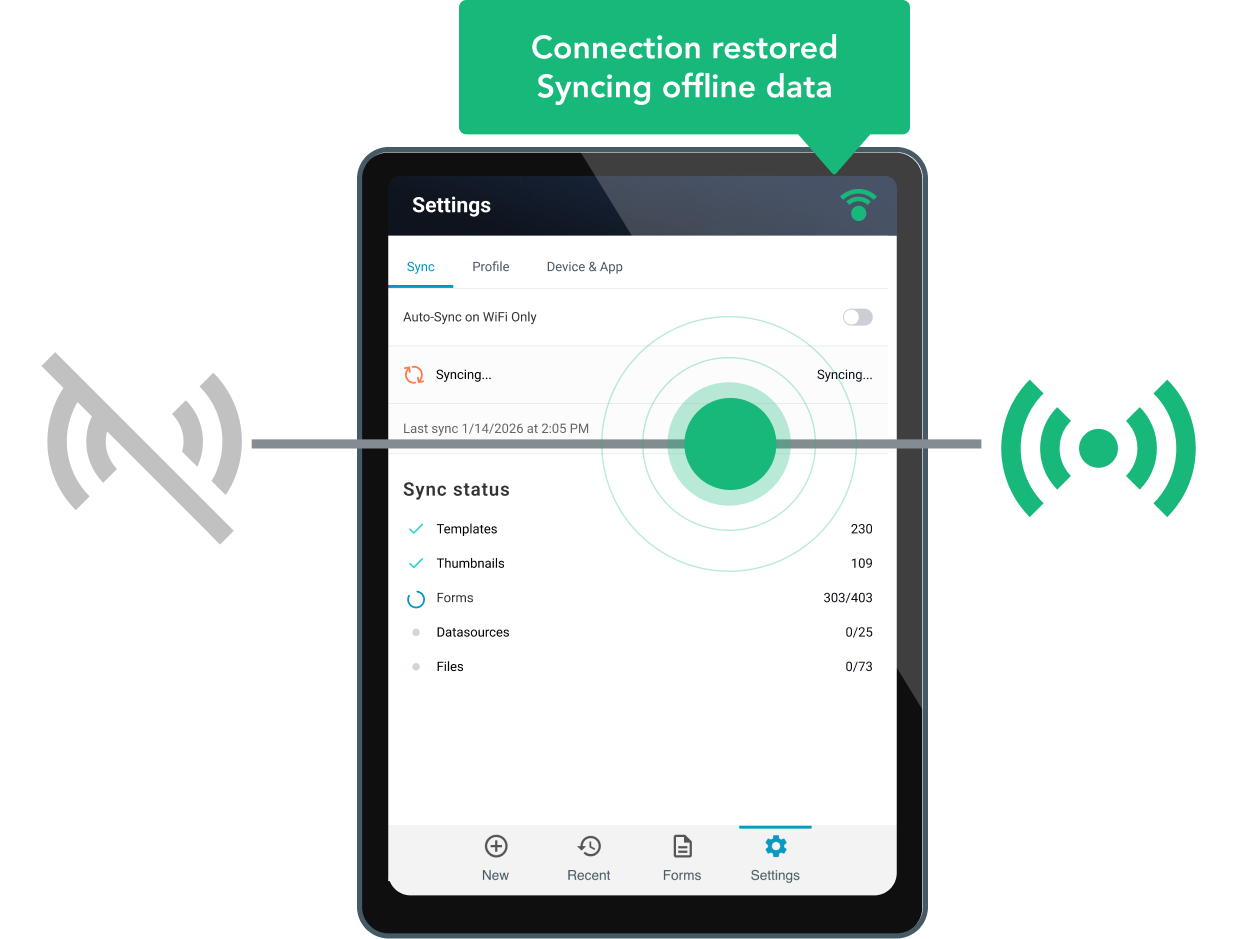
GoFormz is offline-first by design. Crews can open, complete, save, and submit forms with no connection at all — on iOS, Android, Windows, or the web — and everything syncs automatically when the device comes back online. Every submission keeps its original timestamp, GPS coordinates, and signatures regardless of when the sync happens.
For construction teams, that means the same workflow runs identically in a downtown high-rise, a parking structure basement, or a greenfield site fifty miles from cell service. No lost forms, no "I'll enter it when I'm back in the truck," no gaps in the record.
Weeks, not quarters, and it's run by your ops team, not an IT project. Upload your existing forms, and GoFormz mirrors them digitally, then your team adds validation, logic, and routing in the no-code builder. Pre-built connectors handle the integrations to Procore, Autodesk, Smartsheet, Power BI, and Microsoft 365 without custom development.
Most teams start with their highest-pain workflow — usually T&M tickets or daily reports — get crews submitting within the first couple of weeks, and expand from there. Dedicated onboarding support is included in every deployment.
Automatically, at the moment of submission. Completed forms push structured data through pre-built connectors to Procore, Autodesk Construction Cloud, and Smartsheet; store signed copies in SharePoint, OneDrive, Google Drive, or Box; and feed live dashboards in Power BI. Automations handle the routing. When a form is completed, the right people are notified, the right systems are updated, and the right documents are filed, without anyone touching a keyboard.
That's the difference between capturing data and closing the gap: the same T&M ticket a crew signs at 2 p.m. can be a billable line item in your system before the end of the day.
If your crews fill it out today, GoFormz can run it: daily reports, time and materials tickets, JSAs and JHAs, hot work permits, equipment and vehicle inspections, punch lists, timesheets, toolbox talks, incident reports, change orders, subcontractor agreements, and invoices. Forms can capture more than text — photos, sketches, signatures, GPS, barcodes, audio, and maps are all field types.
The differentiator is what happens after capture. Completed forms route for approval automatically, trigger follow-on forms, generate signed PDFs to the right folder, and push structured data into your project management, ERP, and reporting systems — so the record doesn't stop at the form.